
RPG Maker MZ - Essential Plugin Set
A downloadable asset pack for Windows, macOS, and Linux
Introduction
Introducing RPG Maker MZ – Essential Plugin Set, a small but practical plugin pack designed to cover features I personally consider essential when starting a new RPG Maker MZ project. This set focuses on quality-of-life improvements that most developers end up needing early on, without adding unnecessary complexity.
The goal of this plugin set is to save you time and remove common limitations, so you can focus more on your game’s presentation and design instead of working around defaults.
What’s Included: RPG Maker MZ - Essential Plugin Set
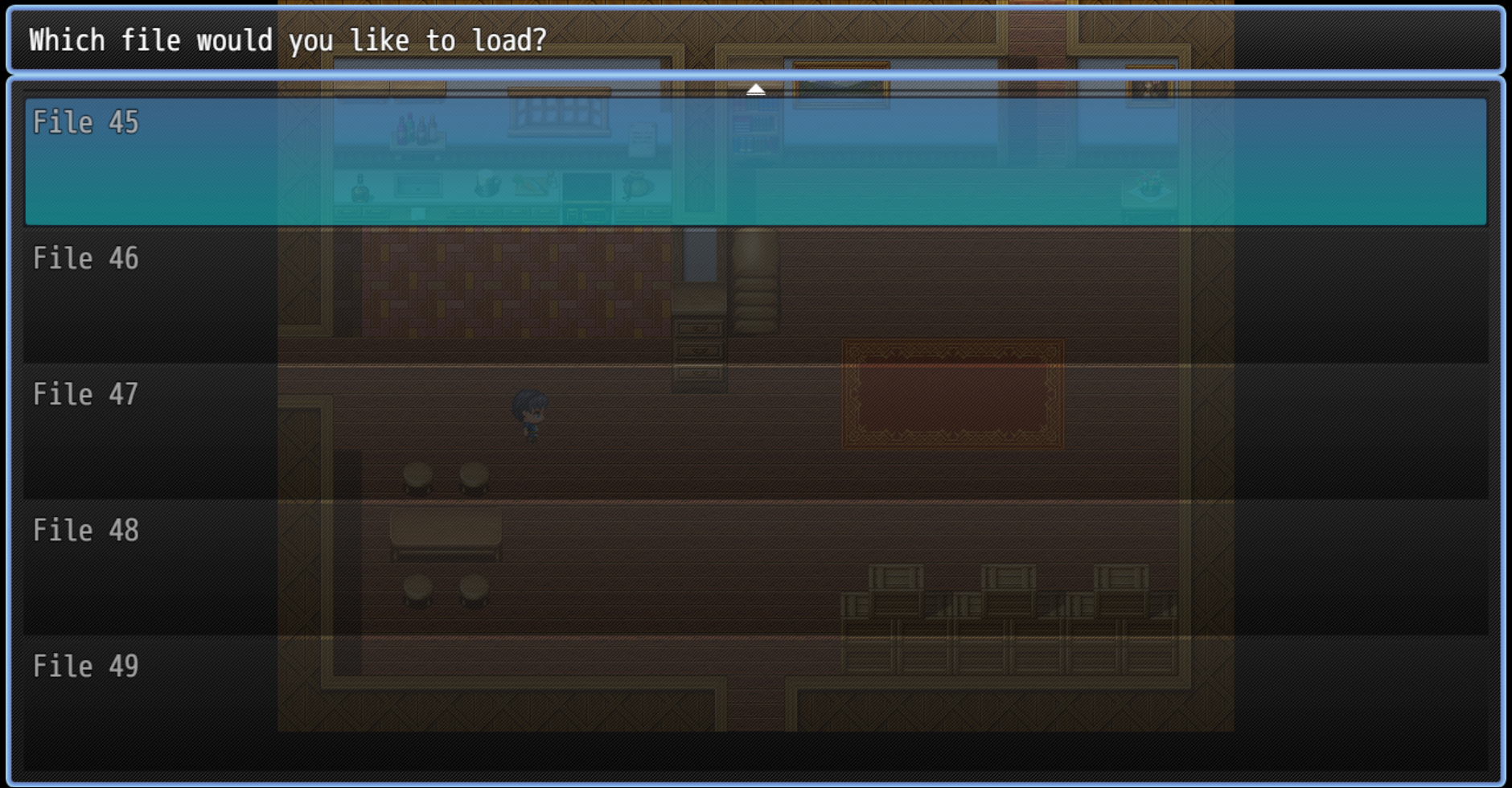
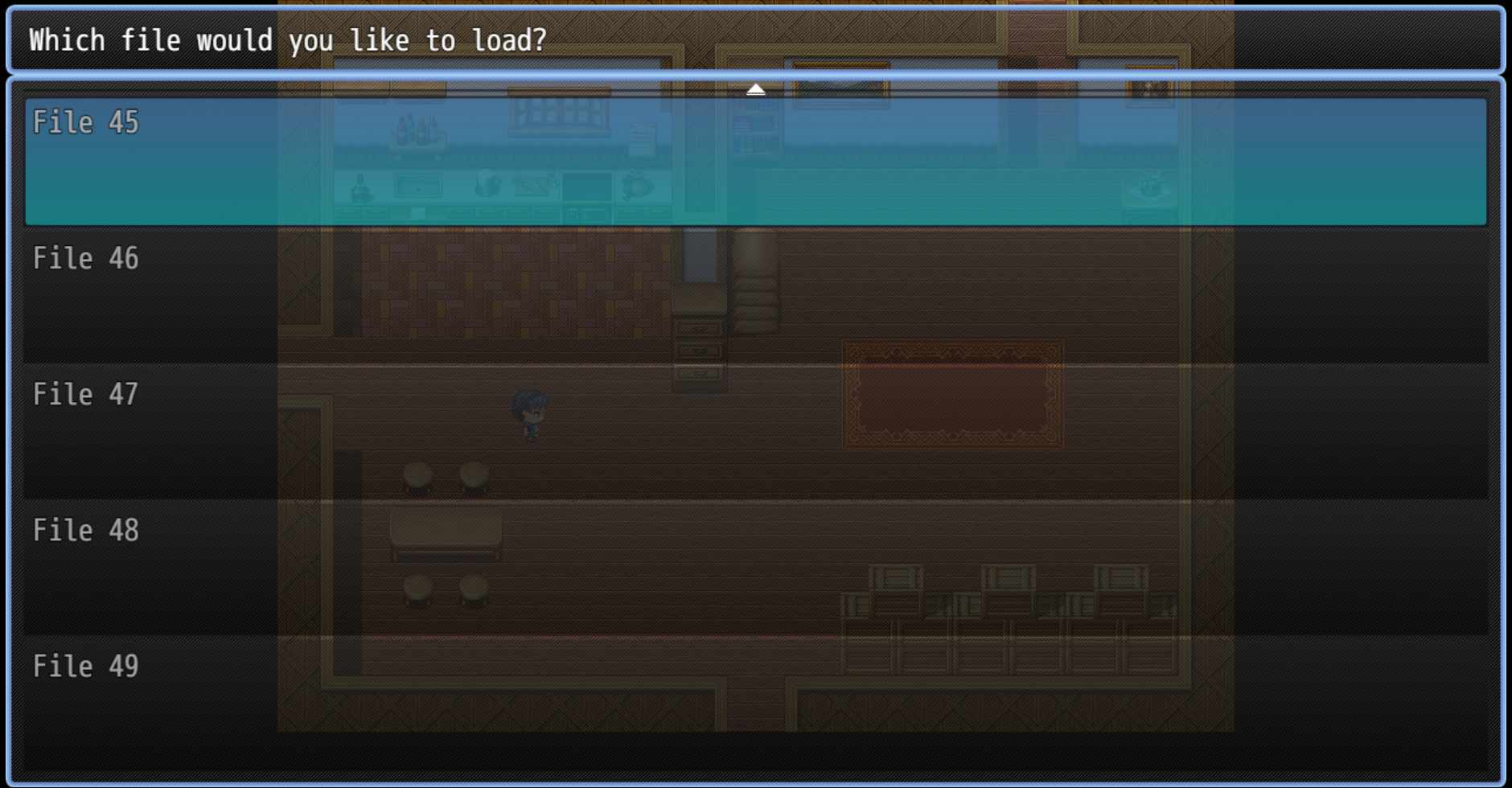
More Save Slots
This plugin increases the total number of available save slots to 50, giving players far more flexibility when saving their progress. It’s ideal for longer games, branching paths, or players who like to keep multiple saves.
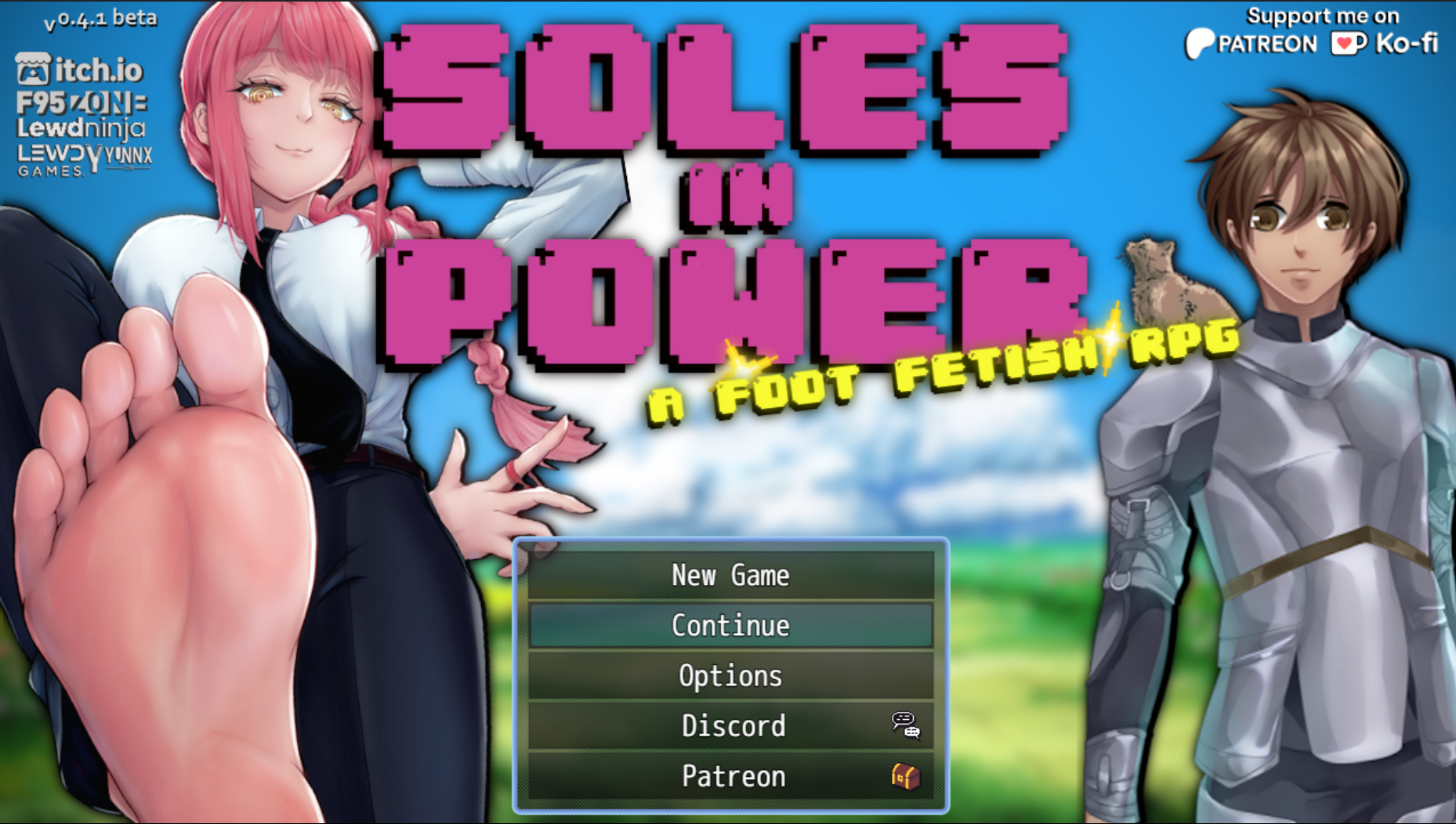
Disable Menu Text
This plugin disables the default system menu title text that RPG Maker MZ displays on the title screen. By removing this text, you’re free to use your own custom title screen artwork without it being covered or disrupted by built-in UI elements.
Both plugins are lightweight, straightforward, and designed to work exactly as expected.
Features and Compatibility
-
Designed specifically for RPG Maker MZ
-
Fully tested and confirmed compatible with RPG Maker MZ
-
Simple functionality with no unnecessary settings
-
Ideal for both new projects and existing games
-
Includes README files with basic usage information
Installing the Essential Plugin Set is quick and easy:
-
Extract the downloaded ZIP file
-
Copy the
.jsplugin files into your project’s js/plugins folder -
Open Plugin Manager in RPG Maker MZ
-
Add and enable the plugins
-
Done — you’re ready to go
Download
Install instructions
1. Extract the downloaded ZIP file
2. Copy the .js plugin files into your project’s js/plugins folder
3. Open Plugin Manager in RPG Maker MZ
4. Add and enable the plugins
Development log
- v1.0 - Log5 days ago
Leave a comment
Log in with itch.io to leave a comment.